
If you've typed a few prompts into ChatGPT or an AI design app and it’s created an amazing room design that you’ve fallen in love with, you're not alone. Lately, more and more of my clients are coming to me with AI-generated renders, loving what they see but unsure how to turn it into something that works in their actual home.
Back in May, I wrote about why ChatGPT is no match for a real interior designer. However, in this post, I’m going to give you some tips on how you can still use AI to help with your interior design dilemmas.
Read on for my step-by-step guide to making an AI room design real.
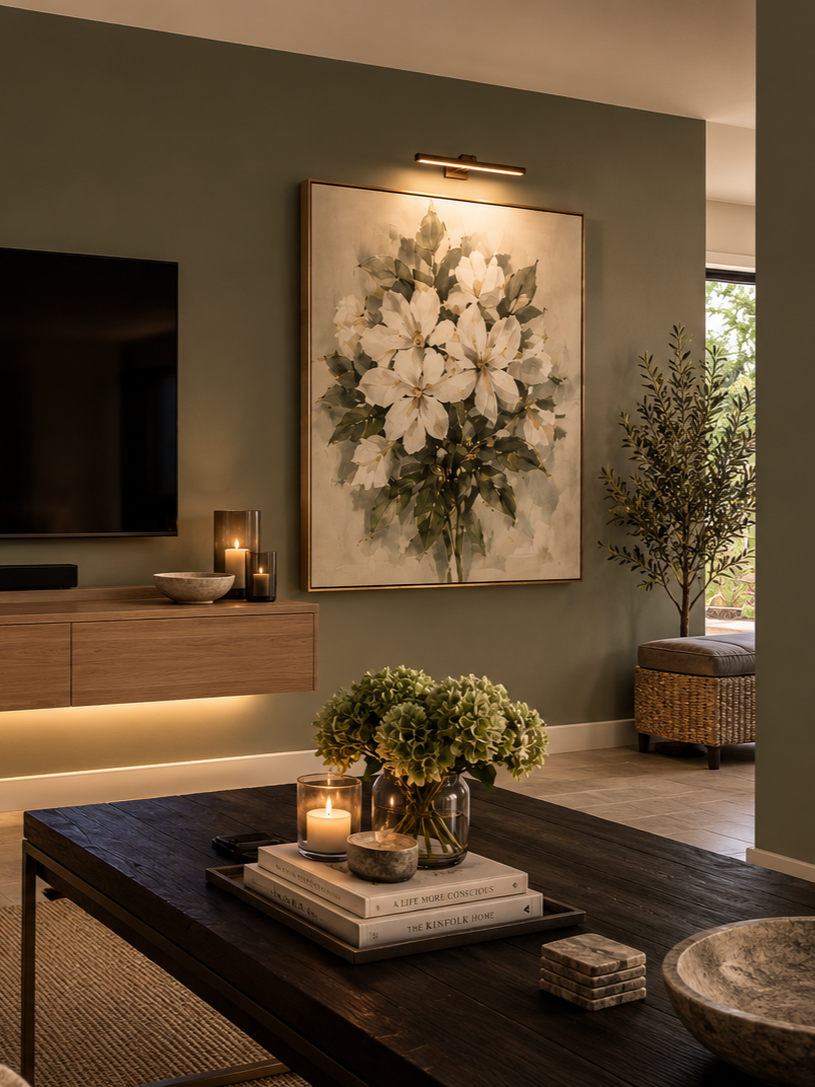
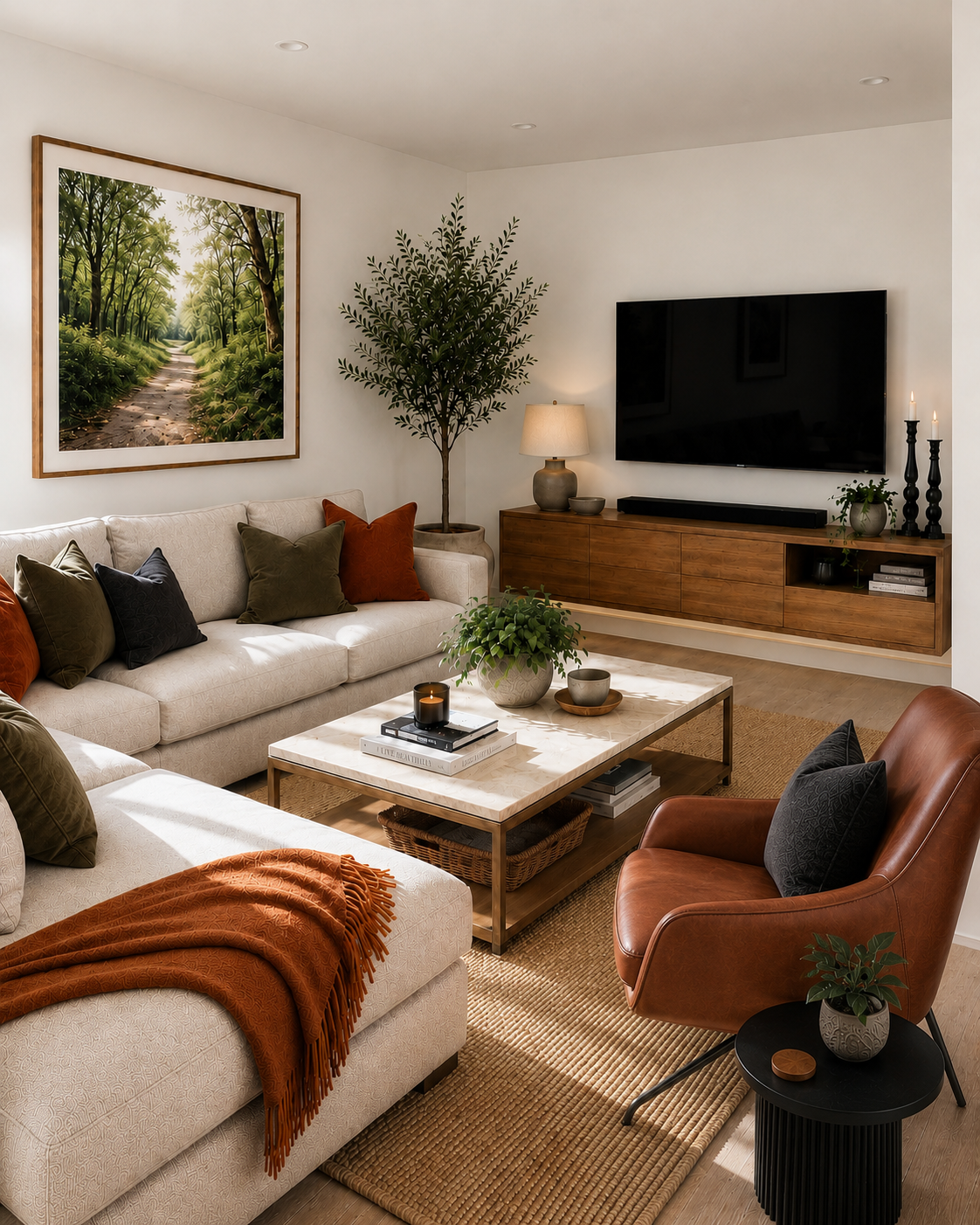
AI inspiration images sent to me by a client
1. Work out what you actually love about it
The first step is to look past the overall picture and find exactly what's catching your eye. Is it the warm, earthy colour palette? The large sofa? The patterned wallpaper? The way the room feels calm and uncluttered?
AI images look brilliant at first glance, so it's easy to fall for the whole scene without knowing which parts are doing the work. Write down all the things you love, and then write down anything you're not sure about. This becomes your design brief, and it's far more useful than the image itself.
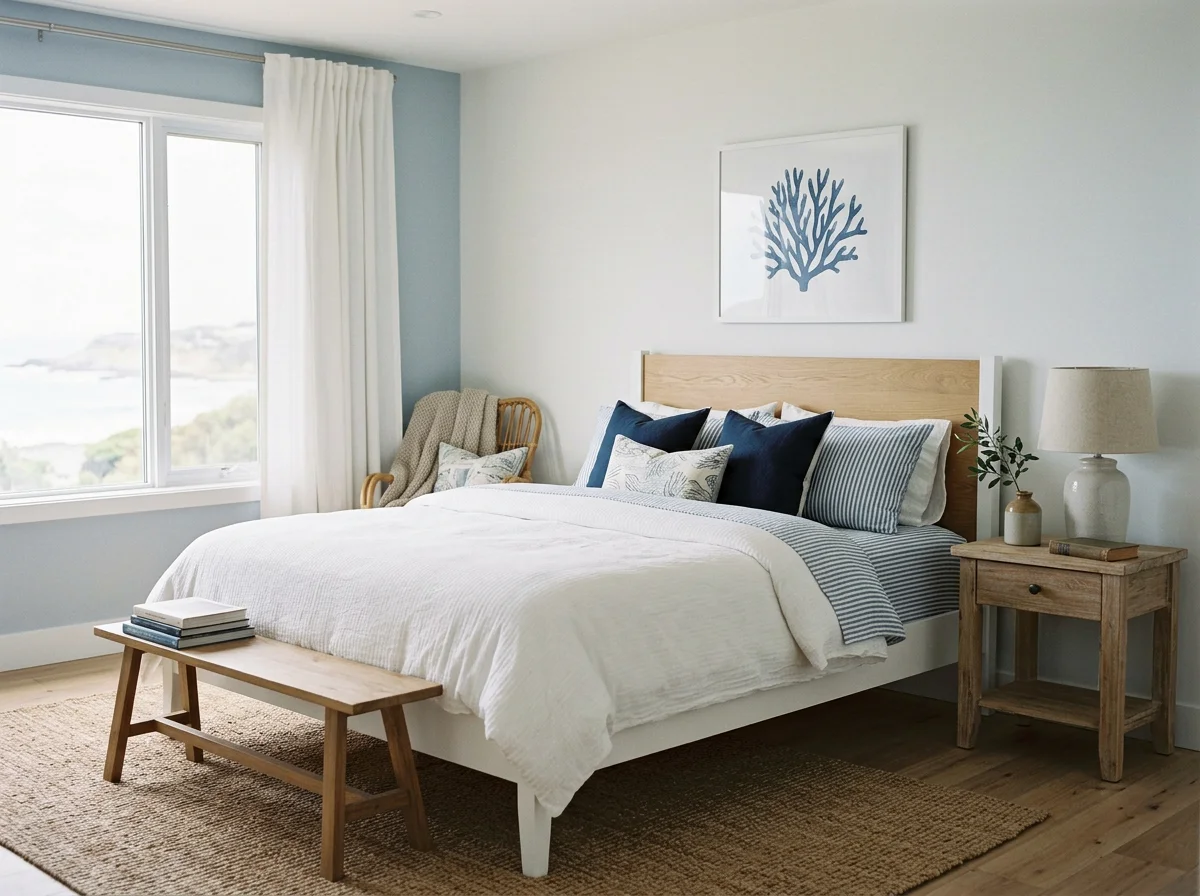
Image created with AI using prompts for a blue and white bedroom with a coastal theme
2. Compare the render with your real room
This is where the dream and reality tend to differ. Walk around your space with the image in hand and ask yourself: what in this picture can't physically happen here? Pay close attention to the width and depth of walls, as AI will add space where there isn’t in order to make an object fit.
Grab a tape measure and measure the width and depth of your room, so you then have an idea of what size furniture you need to be looking for.
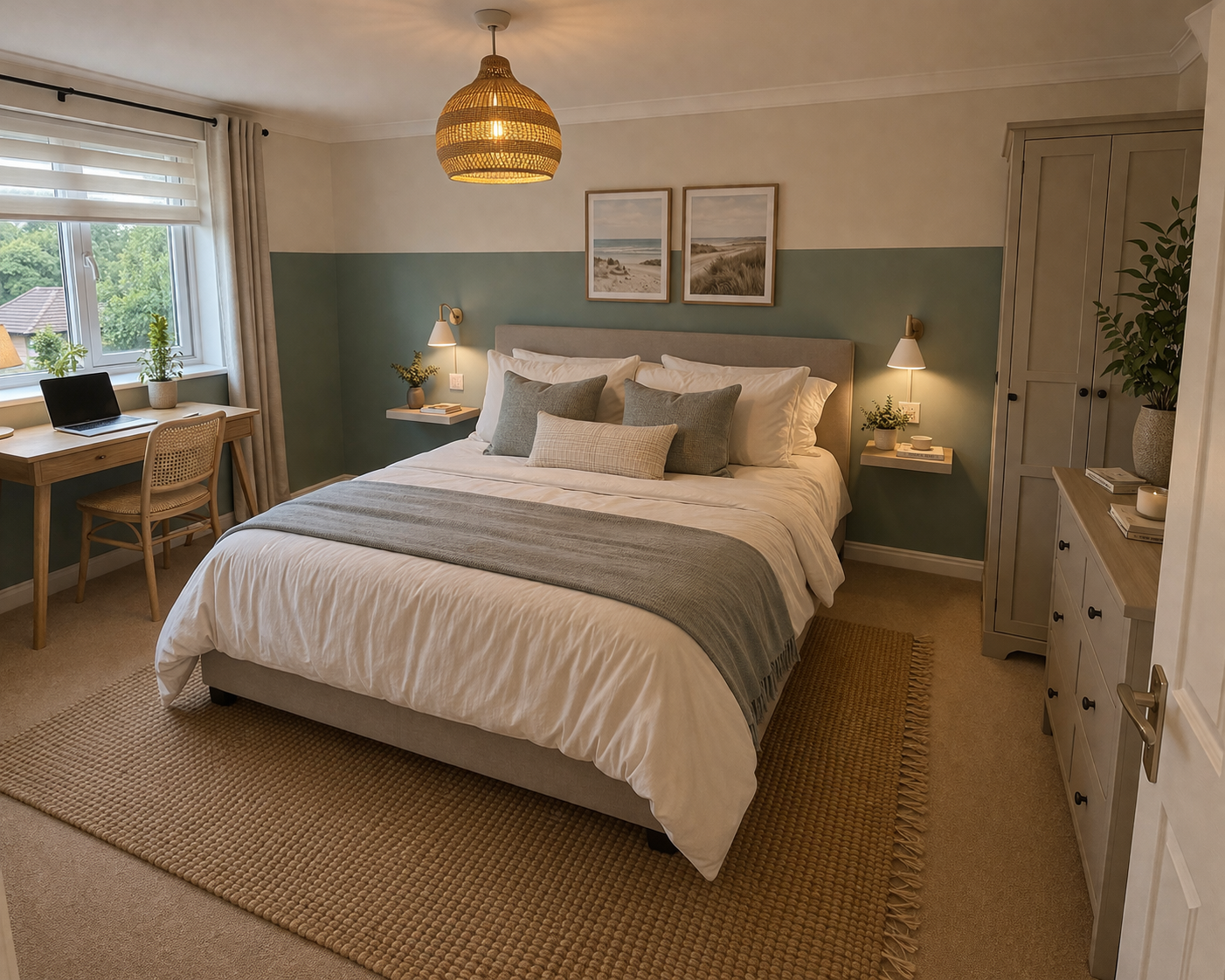
AI inspiration image sent to me by a client, showing a wardrobe that doesn’t quite work in the space
3. Turn the vibe into a real shopping list
Take your room measurements and use these to work out the maximum width, depth and height for each key piece of furniture before you start shopping. I always say to clients that they should mark out the furniture size on the floor with masking tape so they can see how it feels in the space.
Once you have your dimensions, you can then start looking for products that match the materials, shapes and colours you pulled out in step one. The idea here is to capture what you love about the image, rather than try to recreate the image exactly.
Finally, set yourself a realistic budget, as the cost of furniture and accessories can soon add up for an entire room.
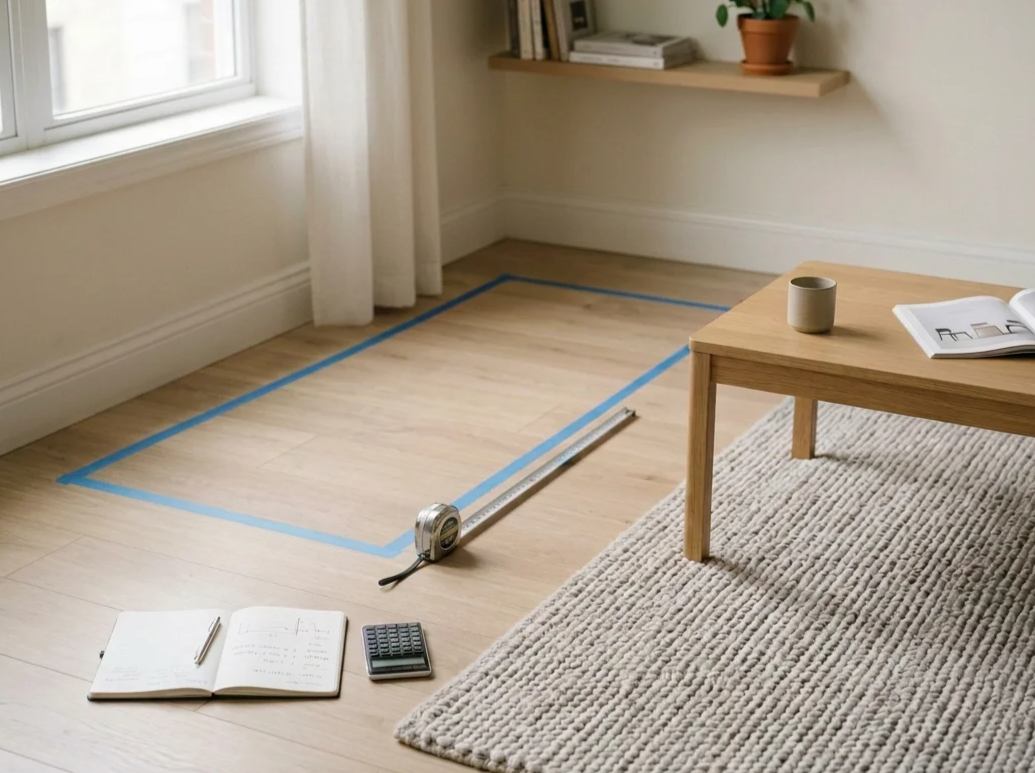
Image created with AI
4. Test everything before you commit
The colours you see on a screen are never the same as the colours you see in person, so it’s worth spending a little extra now on samples and swatches to ensure everything ties together.
Before you buy a single tin of paint, order sample pots or paint swatches and look at them in your room at different times of day. A colour that looks soft and warm in a render can turn flat or cold in a north-facing room for example.
The same goes for fabrics and flooring: order swatches for sofas and curtains/blinds, and get samples of tiles and flooring so you can see the colour, texture and detail that doesn’t translate on screen.
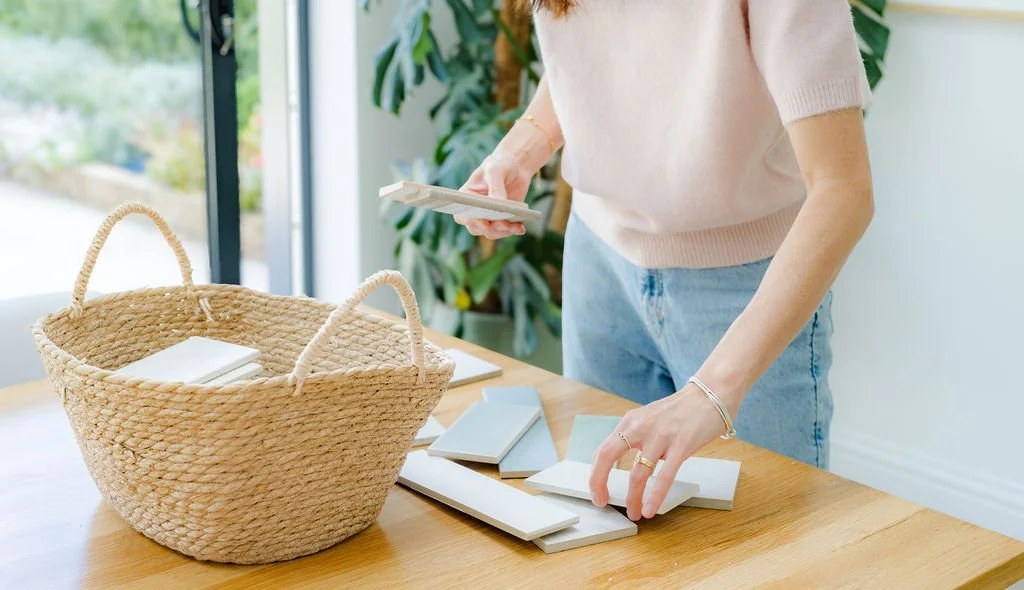
Image by Any Something Photography for Jade Lisa Interiors
5. Get a second opinion when you're stuck
AI is a brilliant starting point, but it's only that. Turning an inspiring image into a room that works takes layout knowledge, an eye for scale and light, and a little problem-solving, so it's completely normal to feel overwhelmed with it all.
If you've got an AI render you love but aren't sure how to make it work in your real space, my Power Hour is designed for exactly that. Send me your image and your room, and we'll work through what to keep, what to change and what to do next, so you can move forward with confidence.
Or if you’d prefer to hand over the entire design to me, from layout planning and design concept mood boards, to room visuals and full shopping lists, then my Single Room Design service has got you covered.